1. Start a project
Sign in and ask the assistant to start a project for the film. Give it the brief and the look, and save your cast and locations as elements.
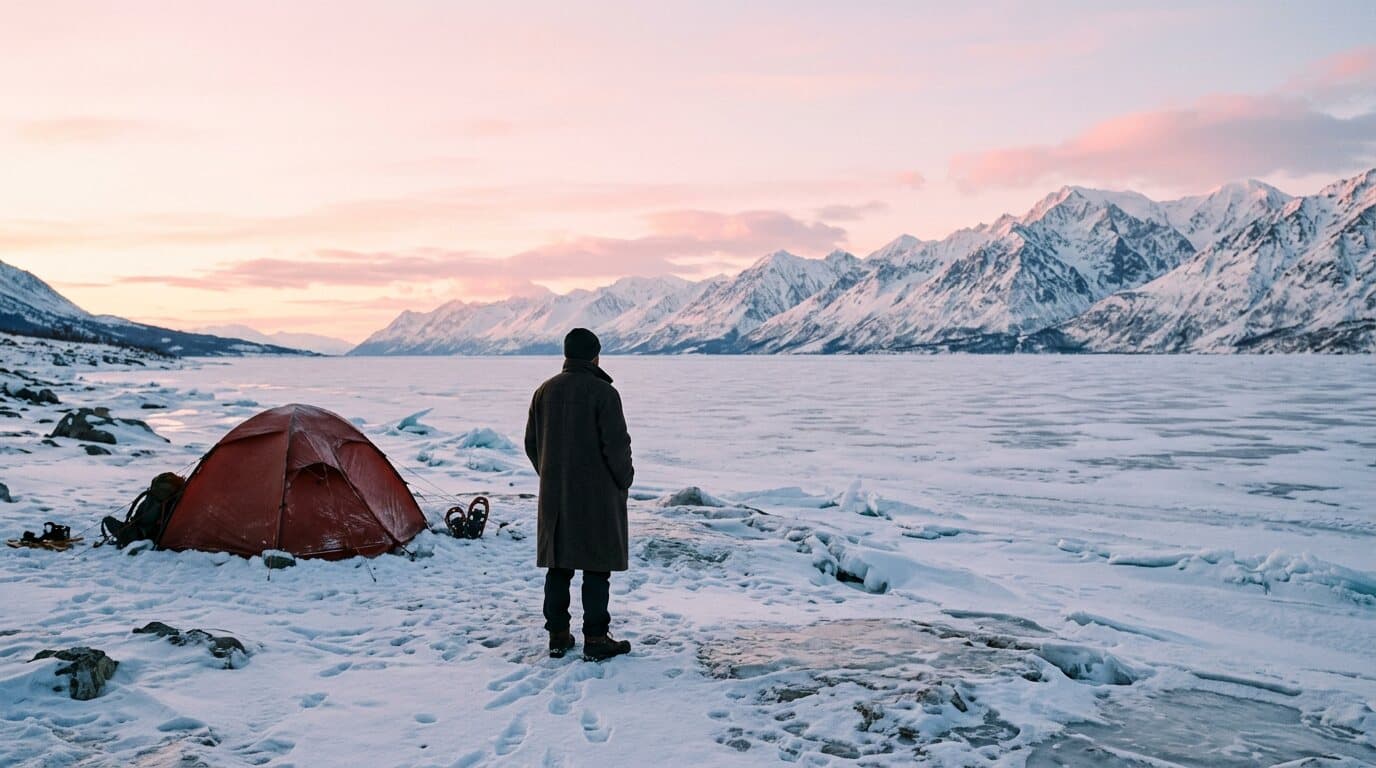
A film's opening frame
At 8 seconds the clip holds the whole beat: the stillness, the wind and the turn toward the tent.
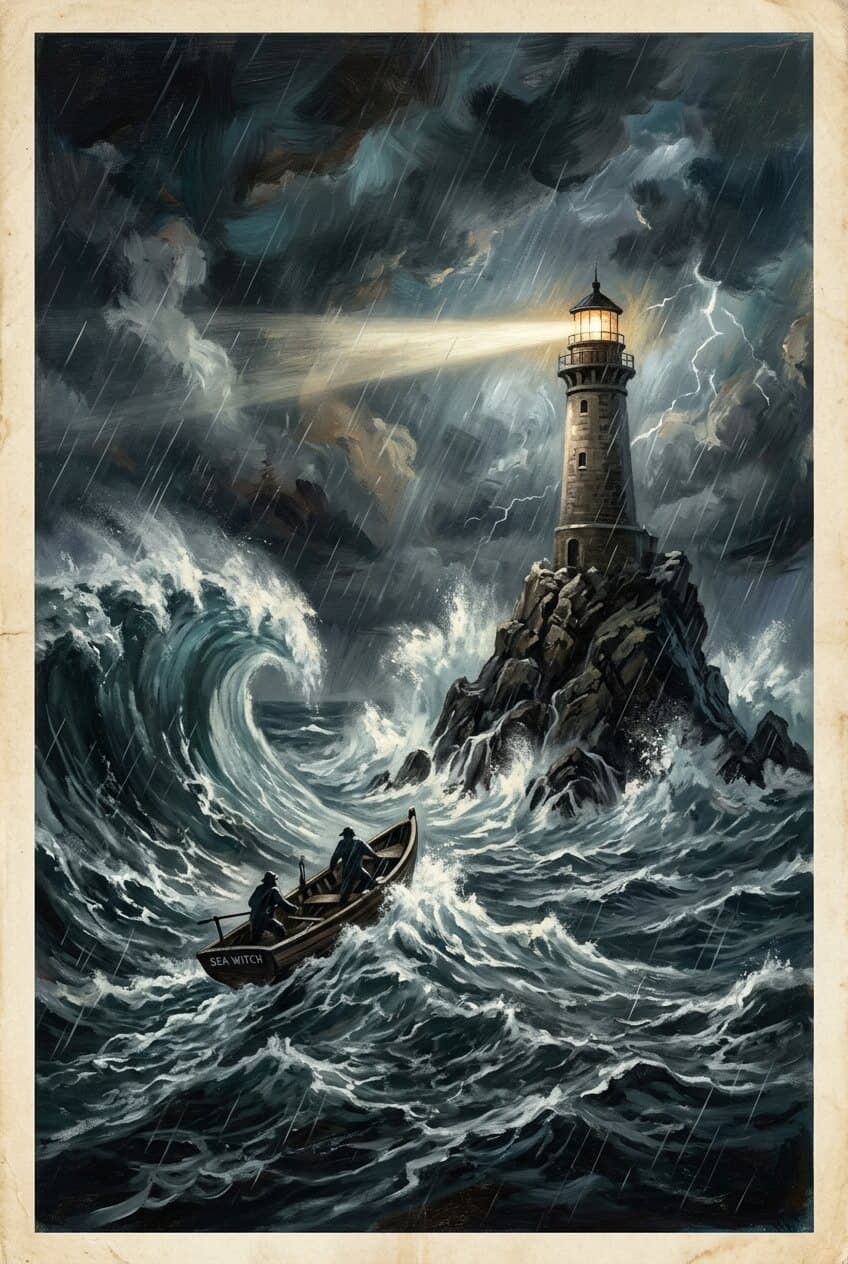
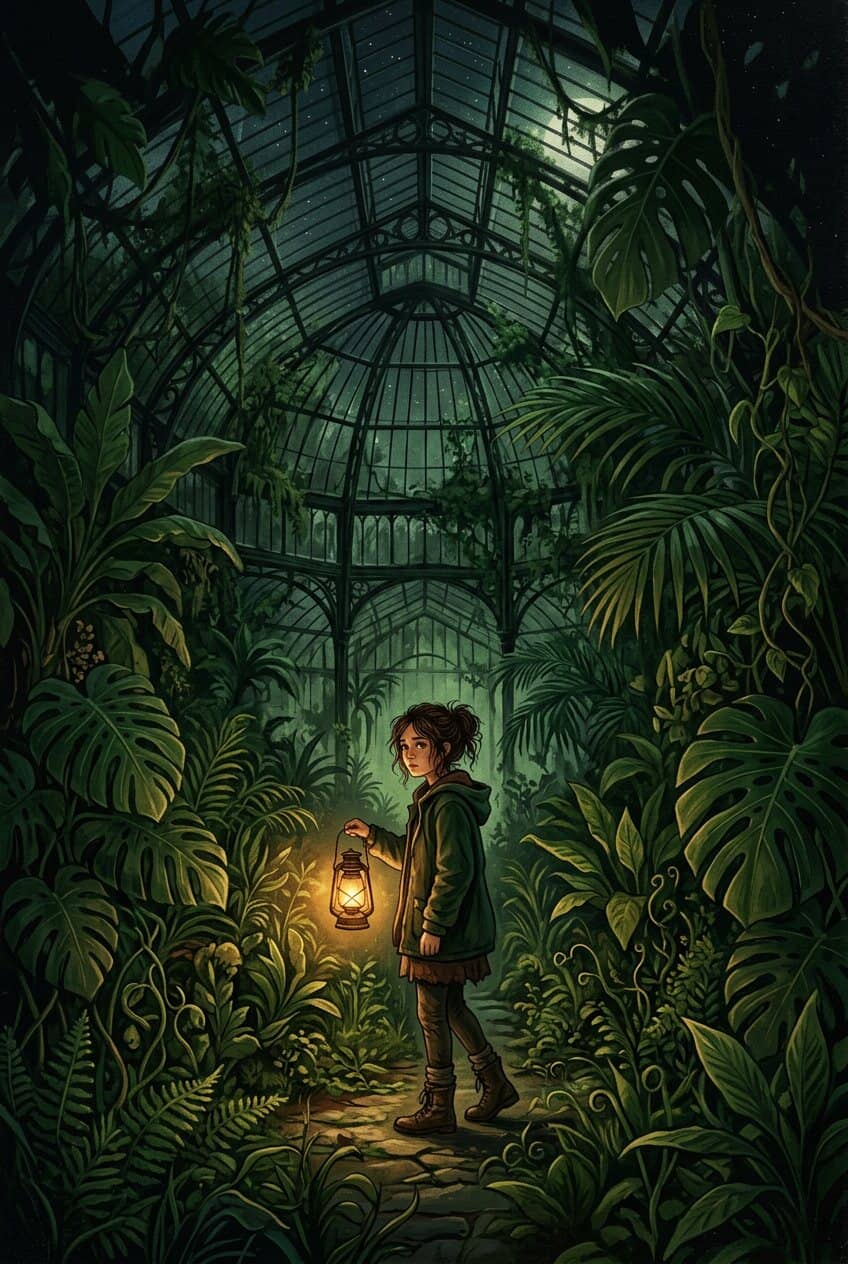

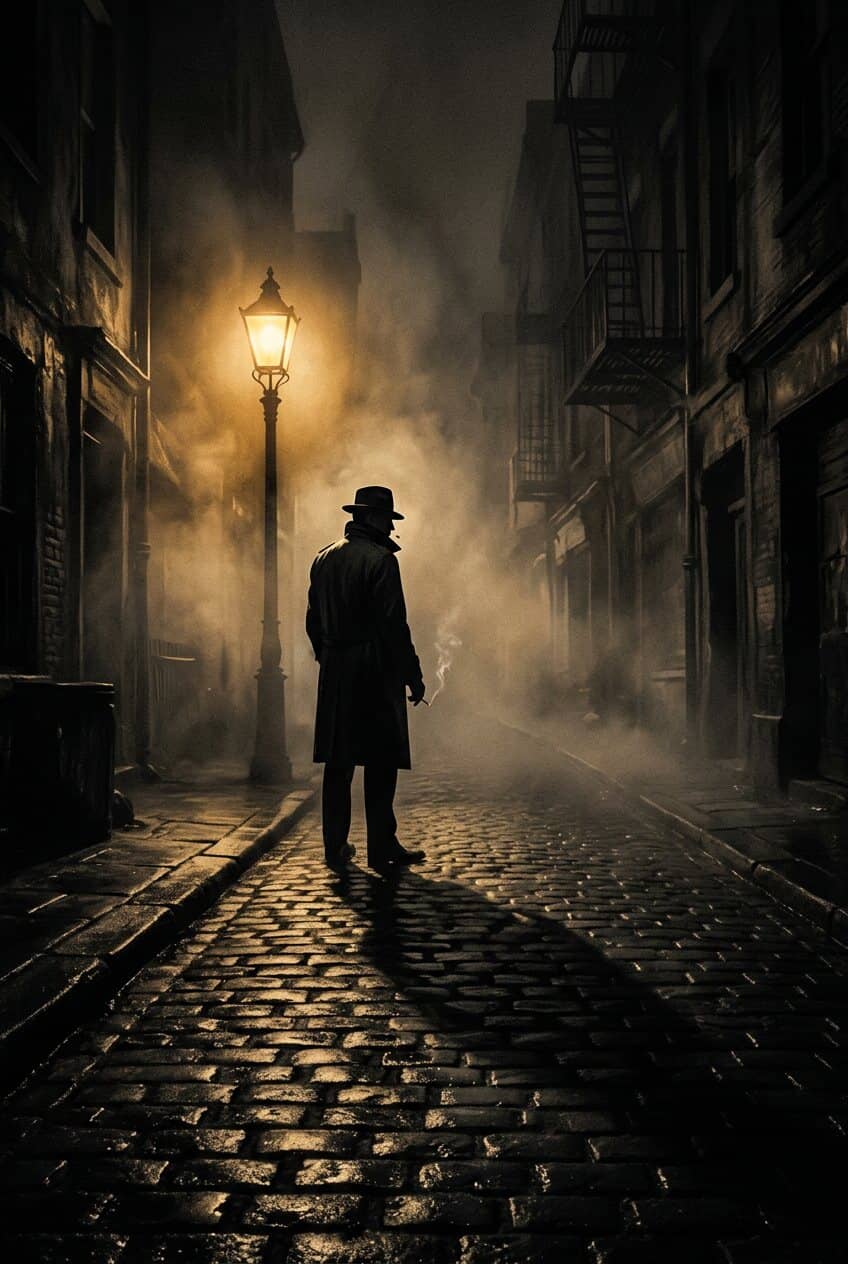
Start a project and say what the film is: who it is about, what it must always have, what it must never show, and how it looks. Every scene written in that project is written to those rules, so scene nine belongs to the same film as scene one.
Write the scene in a line, or work it out with the assistant. It comes back as timed shots with the cuts written in, each shot drawn as a still from your cast and locations before it is rendered as a clip.
Open a rendered scene in the editor and bring the other scenes' clips in from its bin. Trim and split, change a clip's speed, set a transition, grade a shot, lay captions and a score you upload, and balance the sound on a mixer.
Export one MP4 at 9:16, 16:9 or 1:1. Or export the cut as an OpenTimelineIO project with its captions, and finish it in the editor you already use.
The project's brief and look ride into the writing of every scene in it, without being typed again.
Each character is an element with photos and a reference sheet, picked again in any scene.
A scene is cut into shots as it is written: the wide, the close, the detail, each with its own timing.
Every shot is a still first. The film can be read as a board before a second of it is rendered.
Each scene prompt ends in its own sound, and LTX 2.5, Seedance 2.5 and Veo 3.1 render it with the picture.
A 480p draft of a scene costs less than its final. Finish only the takes that make the cut.
Tracks for picture, sound and captions, with trims, speed, transitions, keyframes and a grade on each shot.
One finished MP4, or an OpenTimelineIO project that opens in another editor with the cut intact.
Writing a scene is included in your plan. Its stills and clips each show their price before they are made.
Sign in and ask the assistant to start a project for the film. Give it the brief and the look, and save your cast and locations as elements.
One scene at a time: write it, read its shots, draw the stills, then render on the model you pick with the price on the card.
Open a rendered scene in the editor, add the other scenes' clips from the bin, and edit on the timeline. Export the film as one MP4, or the cut as a project.
ByteDance's newest, with sound, up to 30 seconds; 1080p is premium. 568 credits for a 5-second 720p clip, on every plan.
Google's top model, with sound. Premium only. 576 credits for a 6-second 720p clip, on every plan.
LTX's newest, with sound, up to 20 seconds, 720p to 4K. 130 credits for a 6-second 720p clip, on every plan.
Every video model the studio renders on, LTX 2.3, LTX 2.5 Pro, Wan 3.0, Kling 3 Turbo Pro, Seedance 2.0 Fast, Seedance 2.0, Kling 4.0 included, with the price on the card before you approve.
See every modelA project for the film, elements for the cast, and a timeline for the cut.