01
Script to speech
Type the words and pick a voice. The script is read aloud before the clip, so a wrong word costs a preview, not a video.
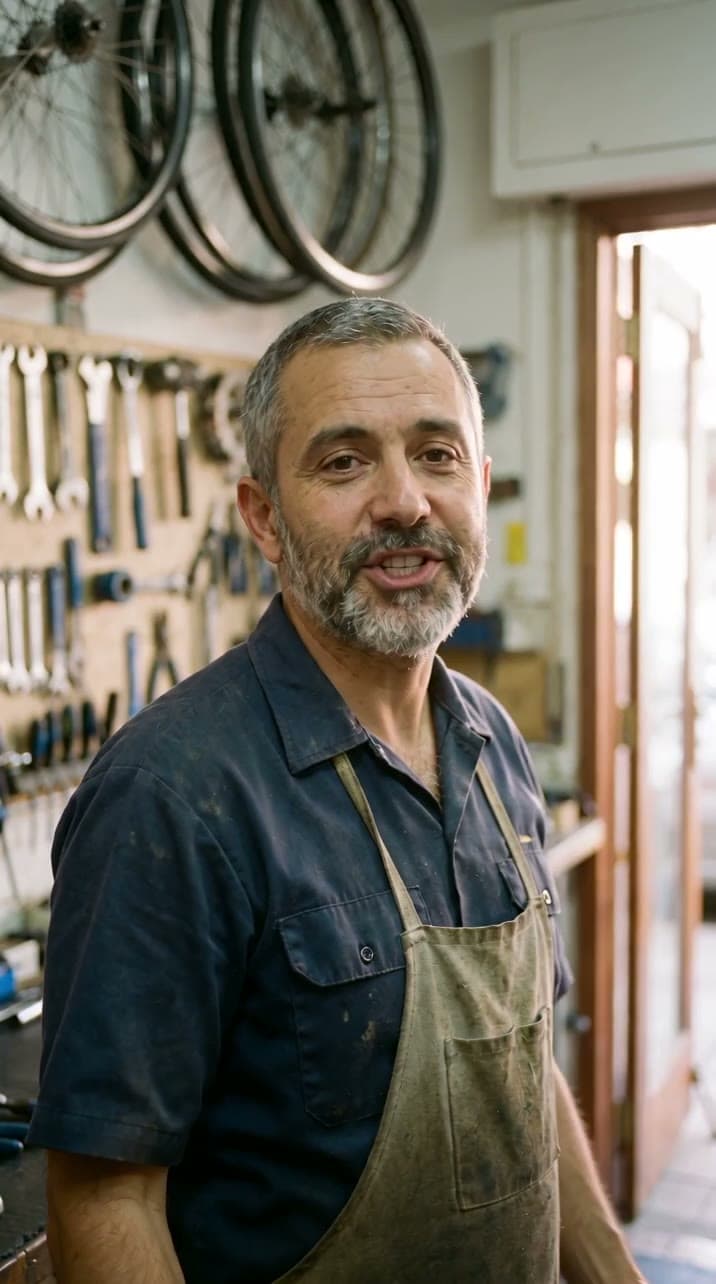
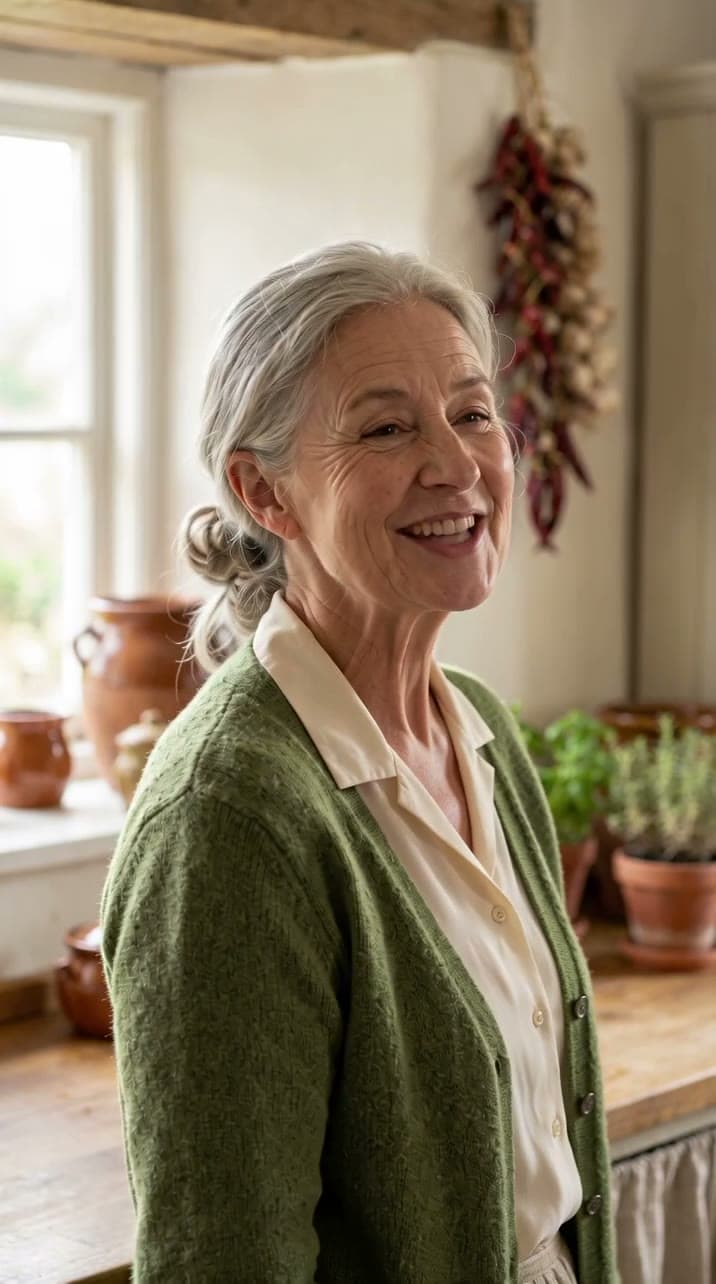
Upload an .mp3 or .wav of the words, or type a script and pick one of 21 voices. A typed script is read aloud first, as its own small step, so you hear the voice and know the clip's exact length before anything else is made.
OmniHuman v2 animates the person to the sound: the lips follow the words, and the face, head and hands move with how they are said. It sings as well as it speaks. A line of direction can set the scene, the movement and the camera.
The clip lands in your Library like any render. Upscale it, give it a new shape for another platform, cut it into a longer video in the editor, or export it as an MP4.
Type the words and pick a voice. The script is read aloud before the clip, so a wrong word costs a preview, not a video.
Upload a voiceover, a podcast clip or a song as an .mp3 or .wav, and the photo is animated to it.
The mouth is driven by the sound itself, so the words land on the lips at the right moment.
Head turns, expressions and hand gestures follow the voice, so the person reads as speaking, not a moving cut-out.
An optional line sets the scene, the movement and the camera: a slow push in, a nod at the end, a laugh.
From 4 seconds up to 120 on the Studio plan. The clip runs exactly the length of the audio.
The voice is measured first, and the card shows the credits for that length. Nothing is spent until you approve it.
Use a photo you upload, a still you made in the studio, or one of your saved elements.
Upscale the clip, reframe it to 9:16 or 16:9, or cut it with other clips in the editor.
Sign in and choose a photo of one person: an upload, a still you made, or an element. Confirm it is you, or that the person agreed.
Upload an .mp3 or .wav, or type the script, pick a voice and listen to the preview.
The card shows the credits for the voice's length. Approve it, and the clip lands in your Library.
A talking photo is priced by the length of its voice, per second, rounded up to the whole second. The card shows the exact credits for your voice before anything renders.
| Clip | Credits |
|---|---|
| 10-second clip | 252 |
| 30-second clip | 756 |
| 60-second clip | 1,512 |
| 120-second clip | 3,024 |
ByteDance's model for a person in a photo speaking or singing to a voice track. It draws the clip.
Reads a typed script aloud in the voice you pick, with delivery tags for laughs, whispers and pauses.
The clip is a render like any other: finish it with an upscale or a reframe, or cut it beside clips from Kling, Veo or Seedance.
See every modelType the words or upload them, hear the voice, then approve the clip at the price on the card.