1. Write the beats
Describe the film or the product, with the six beats you want, as one scene. It comes back as timed shots.
A walk toward the wreck, 6 s

Beat one: the wide.

Beat two: the close-up.

Beat three: the chase.
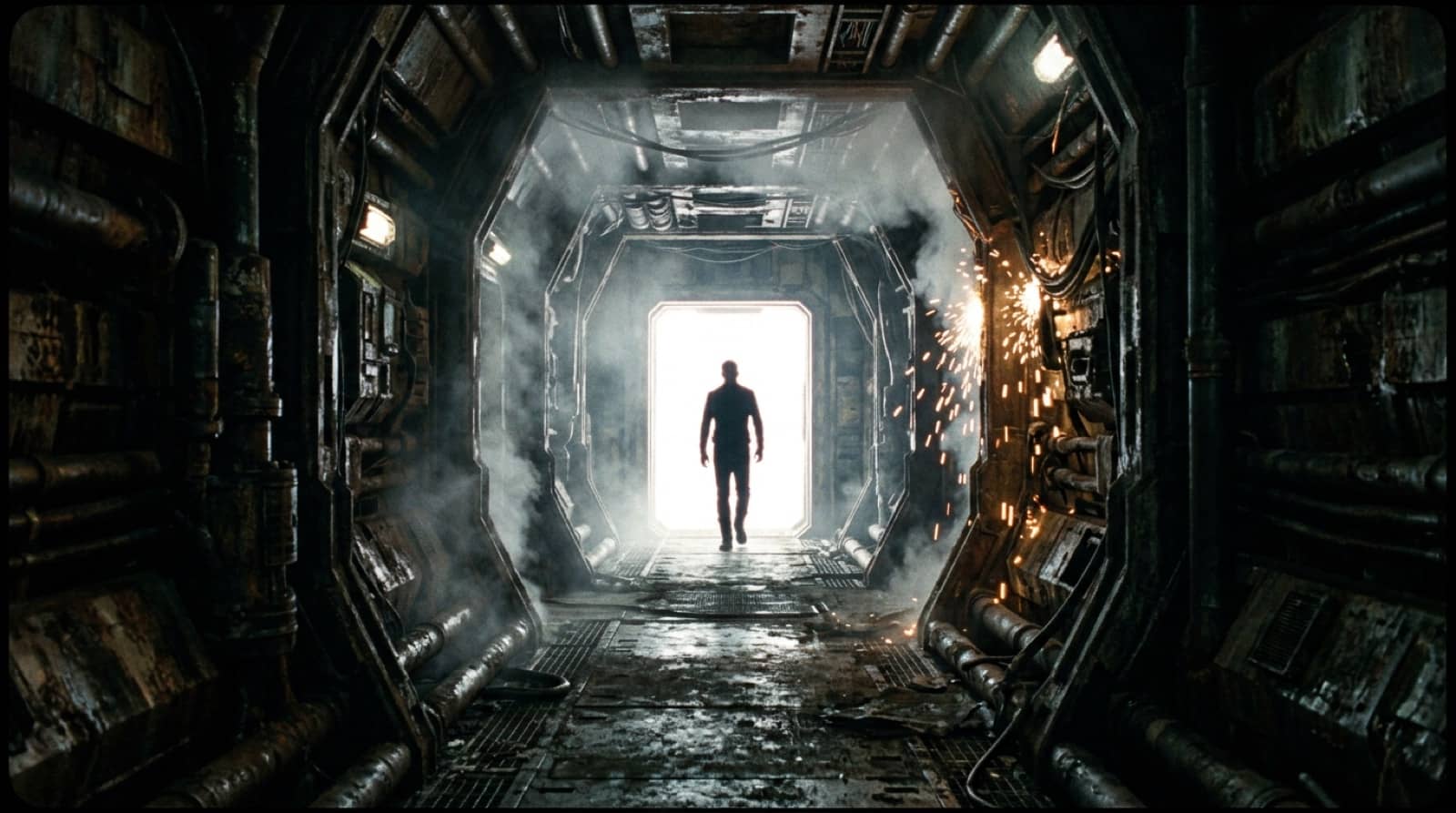
Beat four: the doorway.
A scene runs 4 to 30 seconds as timed shots, each with its own prompt and its own render. Write the six beats of a trailer and each comes back as a shot with its window written in.
Save the characters and places as elements with photos and a reference sheet. Every shot's first frame is drawn from them before a clip is rendered, so you see the face before you pay for the motion.
Trim each clip, set a transition, change a speed, add captions and lay a music track you upload under the clips' own sound. Export one MP4.
Each beat is a shot with a start and an end inside the scene's length.
Characters and places saved once as elements, attached wherever they appear.
Every shot's first frame is drawn before its clip, so the trailer can be read as a board.
A project's brief and look are applied to every scene written in it.
LTX 2.5, Seedance 2.5 and Veo 3.1 render sound in the same pass.
A 480p draft on Wan 3.0 or Seedance 2.5 costs less than the final.
Trim, split, speed, reverse, 58 transition styles, captions and a mixer.
Export at 9:16, 16:9 or 1:1, loudness-normalised.
Writing is included in your plan; stills and clips show their credits before they are made.
Describe the film or the product, with the six beats you want, as one scene. It comes back as timed shots.
Draw every shot's first frame, look at the faces, then approve each clip with its price on the card.
Open the scene in the editor, upload the music, place the cuts, and export one MP4.
Google's top model, with sound. Premium only. 576 credits for a 6-second 720p clip, on every plan.
ByteDance's newest, with sound, up to 30 seconds; 1080p is premium. 568 credits for a 5-second 720p clip, on every plan.
Cinematic motion, strong on people. 168 credits for a 5-second 1080p clip, on every plan.
Every video model the studio renders on, LTX 2.3, LTX 2.5 Fast, LTX 2.5 Pro, Wan 3.0, Seedance 2.0 Fast, Seedance 2.0, Kling 4.0 included, with the price on the card before you approve.
See every modelTimed shots, a cast that stays, and your own score.